Create a high-resolution image of a cluttered desk with stacks of manila folders, warm sunlight streaming through a window casting soft shadows, using a DSLR camera with a 50mm lens at f/1.8, ISO 200, and a shutter speed of 1/100s, in a shallow depth of field to enhance the focus on the folders while softly blurring the background.
Create an image of three circular icons representing a laptop, a graph monitor, and a folder on a light turquoise background, using a DSLR camera with a 50mm lens at f/2.8, 1/100s shutter speed, and ISO 200 for sharpness and vivid colors, in a clean, modern, flat design style.
Create a smooth, gradient blue folder icon on a clean white background, shot with a Canon EOS R5, 50mm lens, aperture set to f/2.8, shutter speed 1/100s, and ISO 100 for optimal clarity and detail.
Create a digital illustration of a blue folder symbol with a shining bright light in the background, captured with a DSLR camera, aperture set to f/4, shutter speed at 1/125s, ISO 100, focus on foreground, with a soft bokeh effect in the background.
Create a high-quality illustration of a folder with a plus symbol on it, using a digital art style, captured with a Canon EOS R5 camera, at f/2.8 aperture, ISO 100, 50mm focal length, soft lighting, and a clean, minimalistic background.
Create an image of a blue folder labeled "DOCUMENTS" with a sleek, glossy finish, captured with a DSLR camera at f/4 aperture, ISO 100, 1/60s shutter speed, using a macro lens to highlight texture and detail against a white background.
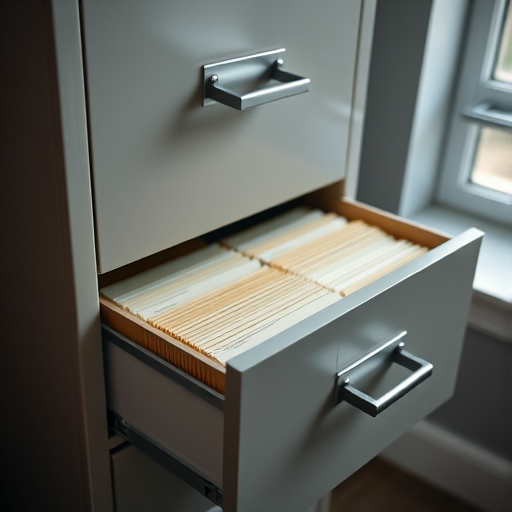
create a high-resolution image of a filing cabinet with two drawers open displaying file folders inside, shot with a DSLR camera at f/8 aperture, ISO 100, with a 50mm lens and soft natural lighting from a window, in a slightly angled view to add depth and detail
Create a high-resolution image of a simple folder icon with a transparent background, camera settings: f/8, ISO 100, 1/125 sec, camera view: top-down, camera style: flat lay, camera type: DSLR.
Portrait of a young girl smiling and holding a blue folder, indoor graduation ceremony setting, shallow depth of field, 50mm lens, f/1.8 aperture, ISO 200, natural lighting, focus on the girl's face, slightly above eye level, warm colors.
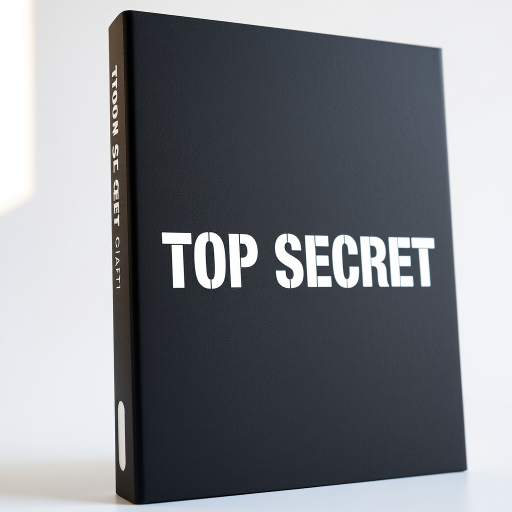
Create a high-quality image of a slightly curved black folder with bold white letters reading "TOP SECRET" on the cover, using a Canon EOS R5 camera, 50mm lens, f/1.8 aperture, ISO 100, with soft natural lighting and a slight angle from the top left for a dynamic perspective.
Create a high-resolution image of a yellow folder with a green downward arrow, using a Canon EOS R5, aperture f/2.8, shutter speed 1/125s, ISO 100, top-down view, with soft lighting and a clean background.
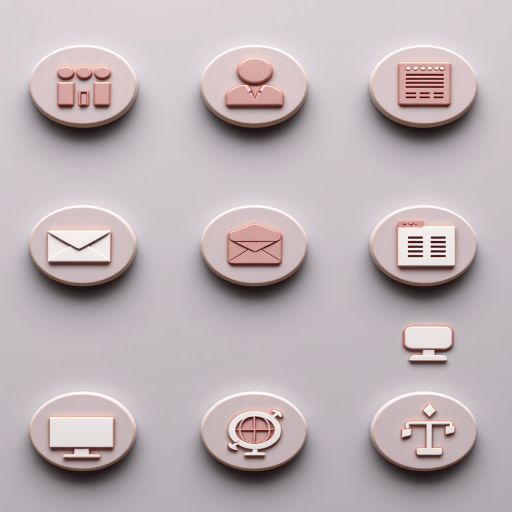
Create a high-resolution image of twelve circular icons in a grid layout on a transparent background, featuring home, user, information, shopping cart, email, volume, folder, book stack, computer, globe, SMS, and flowchart icons, using a DSLR camera, ISO 100, f/2.8, 50mm lens, 1/200 shutter speed for enhanced clarity and color vibrancy.
high-resolution image of a yellow folder with a magnifying glass overlay, soft focus background, studio lighting, captured with a DSLR camera, 50mm lens, aperture f/2.8, ISO 100, shot at eye level
Create a high-resolution digital illustration of a blue folder icon, with a clean and modern design, using a digital camera with a 50mm lens at f/2.8, ISO 100, and a soft focus background.
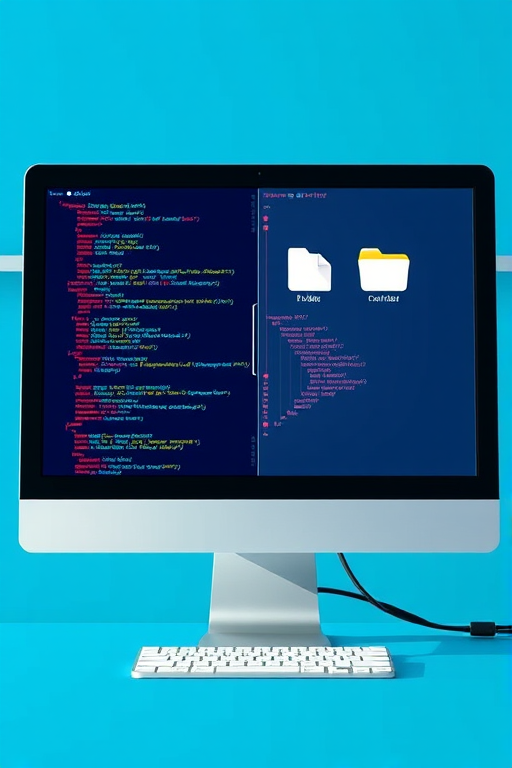
create an illustration of a computer monitor displaying lines of code on one side and file folders on the other, with a bright blue background, using a 50mm lens at f/2.8 for depth of field, ISO 100, and soft natural lighting, in a digital art style
Create a high-resolution image of a top secret file folder with a stamped "TOP SECRET" label, shot with a Canon EOS R5, 50mm f/1.2 lens, f/2.8 aperture, ISO 100, with a clean and minimalistic background to enhance clarity and depth.