Create a high-resolution image of a yellow folder on a clean white background, captured with a Canon EOS 5D Mark IV at f/2.8, ISO 100, 1/125s, using a top-down view to enhance depth and focus, with soft natural lighting for an even tone.
Create a high-resolution vector graphic of a simple file folder icon on a light grey background, using a DSLR camera at f/2.8, ISO 100, with a 50mm lens, top-down view, minimalistic style.
create a high-resolution 3D render of a yellow folder with a white stripe, using a Canon EOS R5 camera with a 50mm f/1.8 lens, aperture set to f/2.8, ISO 100, and a slight vignette effect, shot from a 45-degree angle to create depth and enhance shadows
Create a high-resolution illustration of a closed folder icon, use a DSLR camera with a 50mm lens, aperture f/1.8, ISO 100, and a shallow depth of field for a sharp focus on the folder against a blurred background.
Create a high-resolution vector image of blue circular icons on a black background representing various concepts such as folders, settings, communication, music, and shopping with a camera view of 50mm, f/4 aperture, ISO 100, shot with a digital SLR camera for enhanced clarity.
Create a minimalist graphic of a folder icon on a white background, captured with a Canon EOS 5D Mark IV at f/4, ISO 100, 50mm lens, top-down view, studio lighting, high contrast.
Create a digital illustration of a computer monitor displaying a red skull and crossbones symbol alongside a locked folder icon in a modern, minimalist style with a clean white background, using a high-resolution setting of 300 DPI, shot from an eye-level angle, using a DSLR camera type with a 50mm lens to achieve sharp focus and vibrant colors.
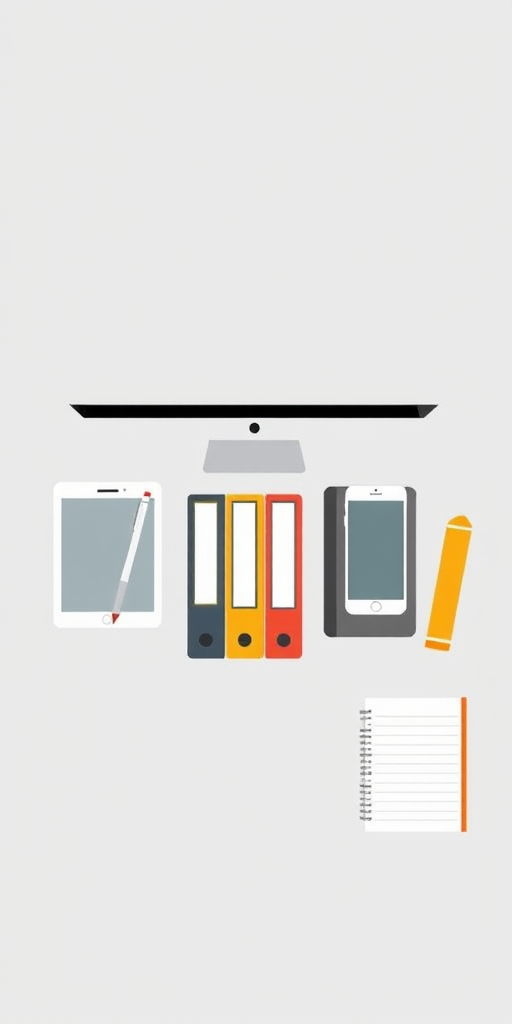
Create a minimalist graphic illustration of digital devices and office supplies including a tablet with a stylus, a smartphone, a computer monitor, three binders, two folders, and a notebook, use a soft gray background, capture with a DSLR camera at f/2.8, ISO 100, 24mm focal length, and soft lighting for clarity and detail.
Create an image of a folder icon with a search magnifying glass overlay, ensure a vibrant color palette, use a Canon EOS 5D Mark IV, aperture f/2.8, shutter speed 1/100s, ISO 100, captured from a front view in a flat lay style, focus on high-resolution clarity and smooth gradients.
Create a high-resolution image of a simple black folder icon on a light gray background, shot with a DSLR camera at f/2.8 aperture, 50mm focal length, ISO 100, using a flat lay view and natural lighting for enhanced clarity and detail.
Create a clean and modern icon of a folder with a magnifying glass overlay, using soft gradients and a minimalistic design, shot in high resolution with a 50mm lens at f/2.8, ISO 100, natural lighting, in a studio setting.
Create a cartoon character of a cheerful man with glasses and a blue shirt holding a folder, standing confidently with one finger raised, in a bright, colorful style, captured with a DSLR camera at f/4 aperture, ISO 200, 50mm lens, with a soft focus background for depth.
Create a high-resolution image of a stack of papers inside a folder, viewed from a top-down angle, with natural lighting, using a DSLR camera set at f/2.8, ISO 200, and a shutter speed of 1/250s.
Create an image of a yellow folder on a white background, captured with a DSLR camera, 50mm lens, aperture f/2.8, ISO 100, in natural light, top-down view, with soft shadows for a clean and professional look.
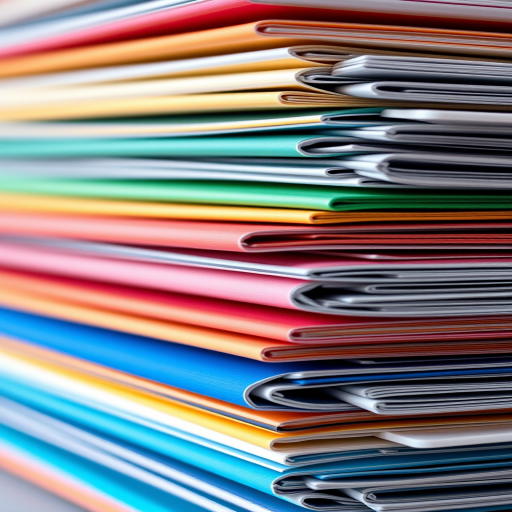
Close-up shot of colorful stacked folders with a shallow depth of field, 50mm lens, f/2.8 aperture, ISO 100, natural light, DSLR camera.
Create a high-resolution image of an open folder with a blank page inside, featuring a handwritten question "Any Suggestions? Write to Us" in a casual font, shot with a Canon EOS R5 using a 50mm f/1.2 lens at f/2.8, ISO 100, with natural light from a window, shallow depth of field for a soft background.