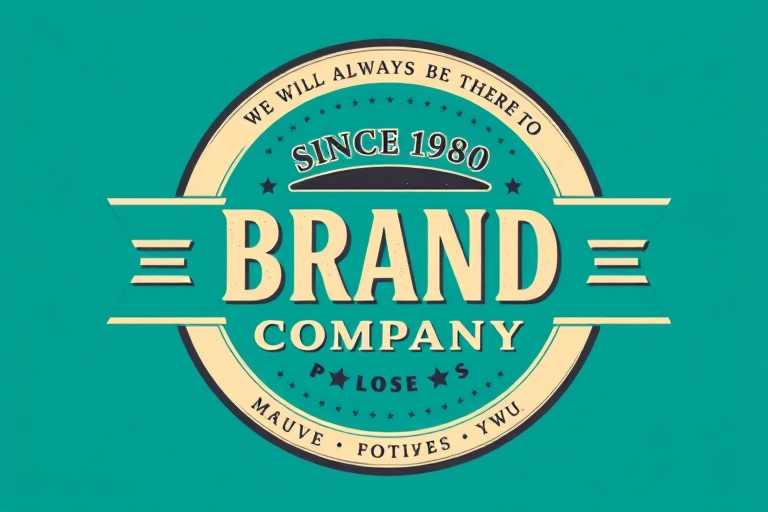
Create a high-resolution circular logo design featuring a vintage style with a teal background, the text "Since 1980 Brand Company" prominently displayed in a bold font, include a banner that says "We will always be there for you" above, surrounded by a decorative border, captured with a DSLR camera at f/2.8 aperture, ISO 100, and a focal length of 50mm for sharp details and vibrant colors.
a clean white banner with curved ends, frontal view, high-resolution, f/2.8 aperture, 1/250 shutter speed, ISO 100, natural lighting, DSLR camera
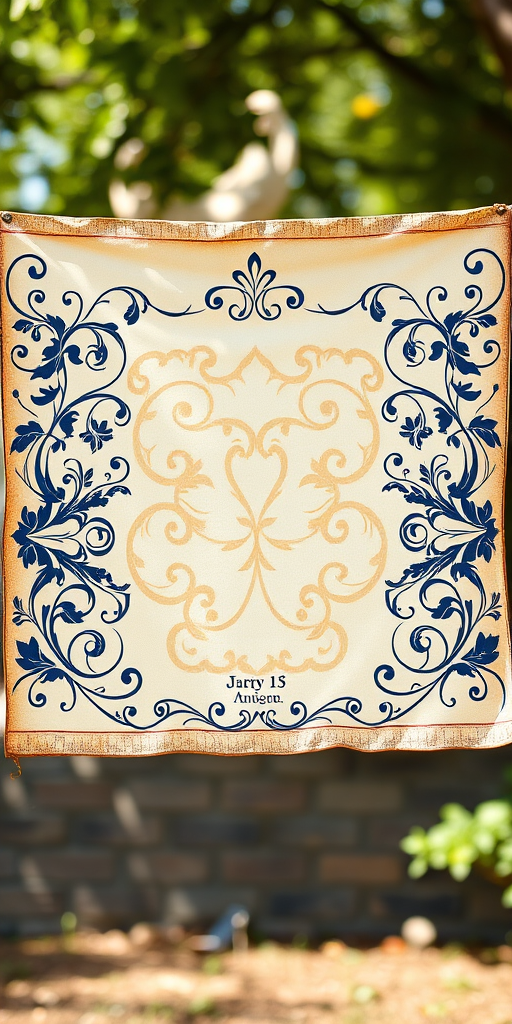
Create a vintage decorative banner with intricate floral and scroll designs on either side, in high resolution, taken with a DSLR camera at f/8 aperture, 50mm lens, with natural lighting and a shallow depth of field for a soft background blur.
Create a vibrant yellow rectangular banner with a smooth gradient, shot with a DSLR camera at f/8 aperture, ISO 100, 50mm lens, in natural light with a shallow depth of field for a clean background.
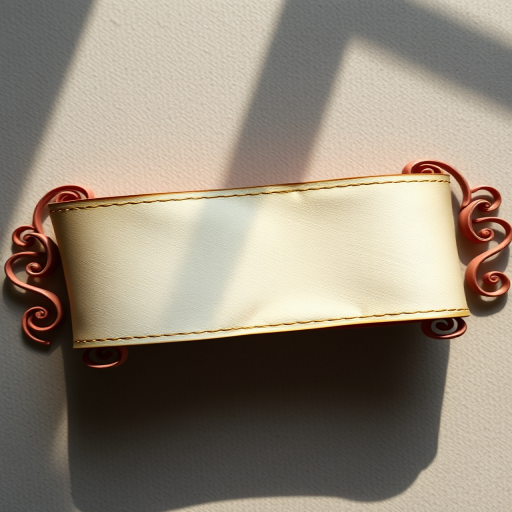
Create a high-resolution image of a vintage blank banner ribbon with ornate curls, captured with a DSLR camera at f/2.8 aperture, 50mm lens, ISO 100, natural soft light, and a slight top-down view to enhance details and texture.
Regenerate a detailed graphic of a stylized eagle with red, white, and blue colors, two American flags in its talons, three stars on its chest, surrounded by a blue banner at the top and two blue ribbons at the bottom, high resolution, 300 dpi, shot from a frontal view, using a Canon EOS 5D Mark IV with an f/8 aperture and 50mm lens, flat lay style.
Create an elegant, blank ornate banner with flowing ribbon designs on both ends, high resolution, shot with a Canon EOS R5 at f/2.8, ISO 100, 50mm lens, natural diffused light, top-down view.
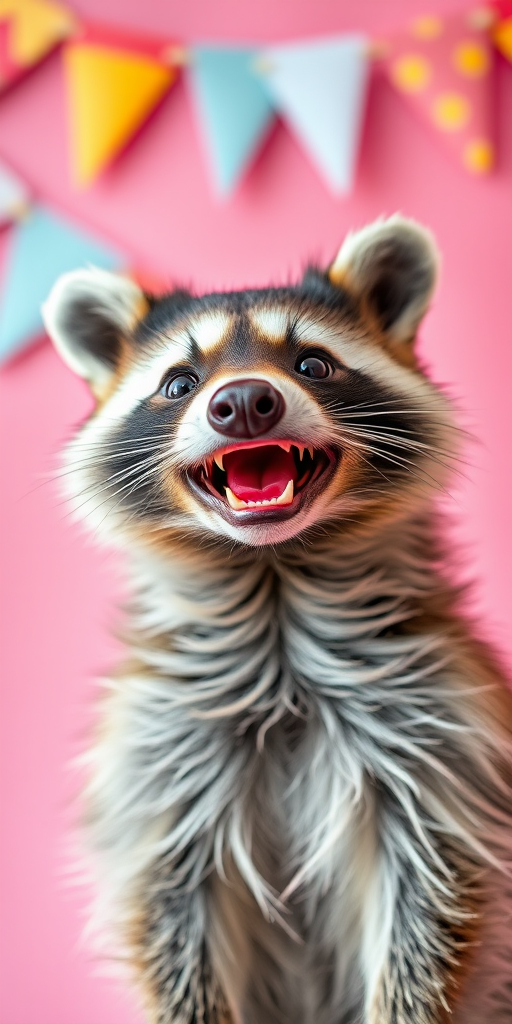
A raccoon smiling with its mouth open against a bright pink background with colorful banner decorations, 50mm lens, f/2.8 aperture, 1/100s shutter speed, ISO 200, soft focus background, high-quality portrait photography, DSLR camera.
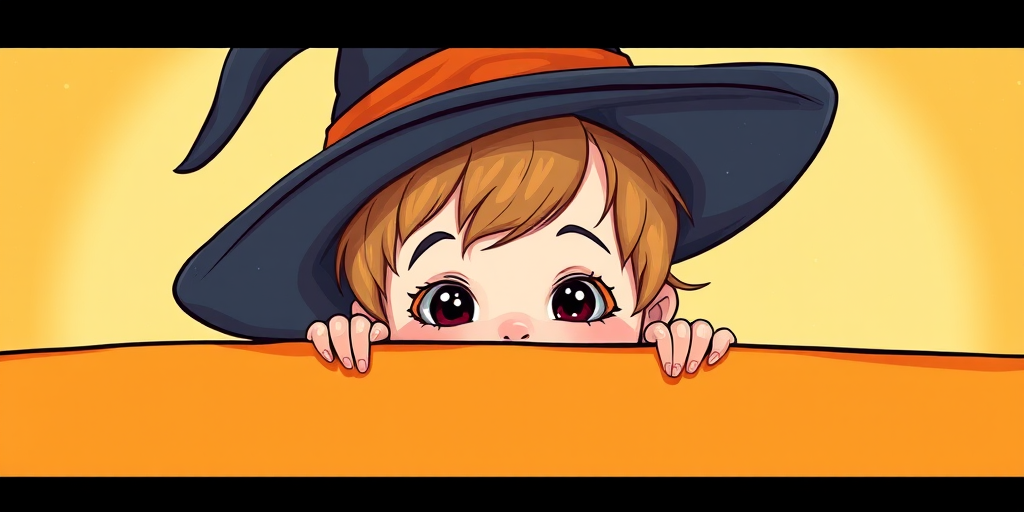
create an image of a mischievous cartoon wizard with a large pointed hat and a cheeky grin hiding behind an orange banner, use a Canon EOS R5 camera, aperture f/4, ISO 100, 50mm lens, and a slight upward angle view to enhance image quality
Create a whimsical illustration of a cute child wearing a large witch hat, peeking over a blank orange banner, with a bright and cheerful background; camera settings: f/2.8 aperture, ISO 200, shutter speed 1/125; camera view: close-up; camera style: vibrant colors; camera type: digital DSLR.
Create a colorful digital graphic for Cyber Monday featuring bold yellow text on a dark blue background with white and red banners, using a high-resolution setting, wide-angle view, flat lay style, and digital artwork type.
Create an image featuring festive party decorations with colorful banners spelling "Festa Junina" in an outdoor setting with a warm, glowing bonfire in the background, captured with a DSLR camera at f/2.8 aperture, 50mm lens, ISO 100, and a low-angle view to enhance the vibrant colors and depth of field.
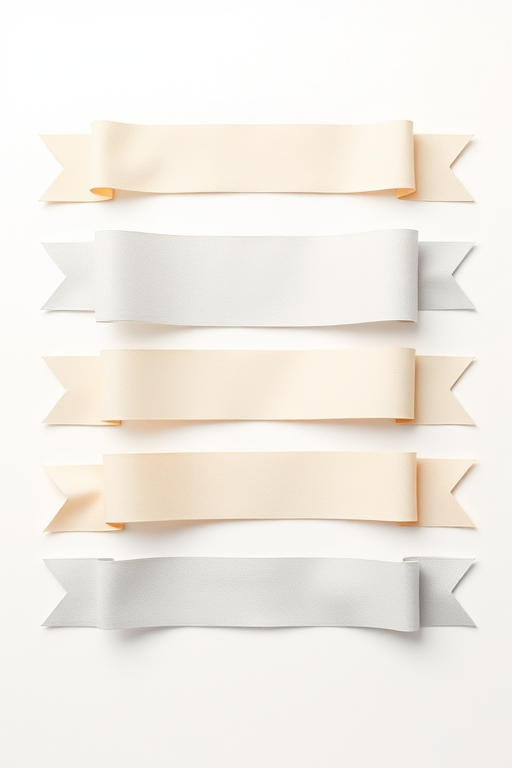
Create a high-resolution vector design of various ribbon banners in shades of beige and gray on a light neutral background, utilizing a Canon EOS 5D Mark IV with a 50mm lens at f/2.8, ISO 100, in natural soft light with a flat lay composition to enhance clarity and detail.
Create a high-resolution illustration of a computer screen displaying an online shopping website with a bold "SALE" banner, use a 50mm lens, f/8 aperture, ISO 100, 1/125s shutter speed, and a front view with a soft gradient background for a clean aesthetic.
Create a high-quality image of a green shield-shaped banner with a textured surface, using a DSLR camera at f/2.8 aperture, ISO 100, and a focal length of 50mm, shot in soft natural lighting from a frontal view.
Create a vibrant red banner with a decorative scalloped shape and white dotted border on a solid turquoise background, captured with a DSLR camera at f/2.8 aperture, 50mm lens, ISO 100, shot from a top-down perspective for enhanced clarity and color vibrancy.