Create a high-resolution image of a stylized envelope with a dynamic arrow pointing to the right, using a Canon EOS 5D Mark IV, ISO 100, f/8, 1/200s, focal length 50mm, in bright, natural lighting, with a clean white background for enhanced clarity.
Create a high-resolution vector graphic of a stylized golden envelope logo, using a Canon EOS R5 with a 50mm f/1.2 lens, shot from a front view at f/8 to enhance detail and clarity, with soft lighting and a clean white background for contrast.
Create a high-resolution digital illustration of two stylized envelopes, one open with papers visible inside and the other with a green arrow indicating movement, using a soft-focus background, shot at f/8 aperture, ISO 100, 50mm lens, and a slight top-down perspective to enhance detail and clarity.
Create a 3D transparent envelope on a blue textured background with soft shadows, using a DSLR camera with a 50mm lens, aperture set to f/2.8, ISO 100, and exposure time of 1/125 seconds, in a studio lighting setup.
Create a high-resolution image of a closed envelope on a flat surface, using a 50mm lens at f/2.8 aperture, ISO 100, with a slight top-down view, captured with a DSLR camera and natural soft lighting for enhanced detail and texture.
Create a minimalist black and white illustration of an envelope, using a 50mm lens at f/2.8 aperture, shot from a top-down view with a digital camera in high resolution.
create a vibrant digital illustration of a heart-shaped lollipop and a colorful envelope surrounded by small hearts, using a soft pink background, captured with a Canon EOS R5 with a 50mm f/1.2 lens, aperture set to f/2.8, ISO 100, and a 1/200 sec shutter speed for crisp detail and vibrant colors, focusing on a flat lay angle to enhance the composition
Create a digital illustration of a laptop and smartphone displaying email notifications, with yellow envelopes flying towards a map of the world in the background, using a Canon EOS R5 camera, 35mm lens, aperture f/8, ISO 100, and a vibrant color palette.
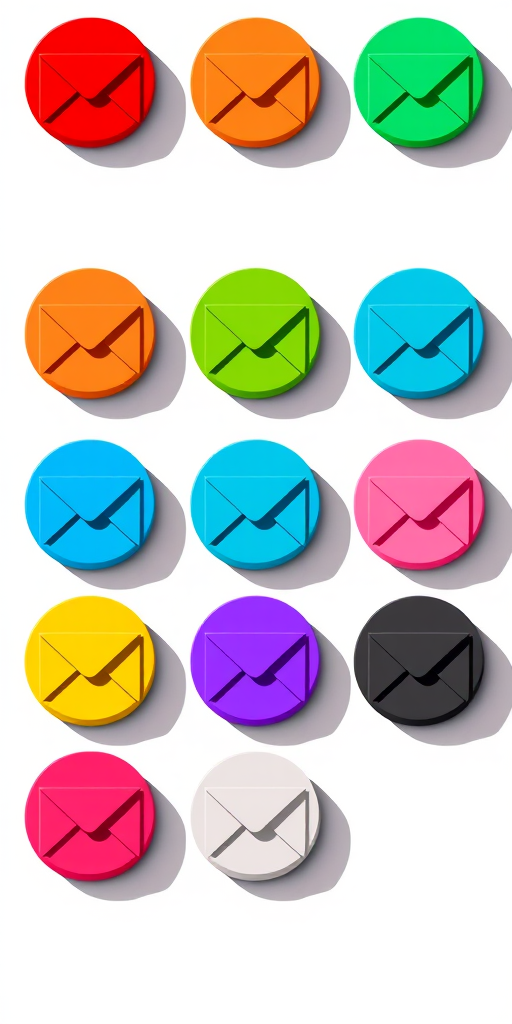
create a grid of nine circular icons representing email envelopes in varying colors (red, orange, green, blue, purple, pink, and black) with a flat design style and long shadows, use a high-resolution digital camera set to f/8 aperture, ISO 100, and a focal length of 50mm, top-down view, vibrant colors and clear details
Create a high-resolution image featuring four blue square icons: an '@' symbol, a telephone, an envelope, and a location pin, using a Canon EOS 5D Mark IV camera with a 50mm lens, aperture set to f/2.8, ISO 100, and a soft focus background for enhanced clarity and detail.
Create a vector-style illustration of a person standing next to a large speech bubble displaying a 4-star rating, with a minimalist interface in the background including an envelope and navigation icons, shot with a 50mm lens at f/2.8 for shallow depth of field, ISO 100, and natural lighting for a clean and professional look.
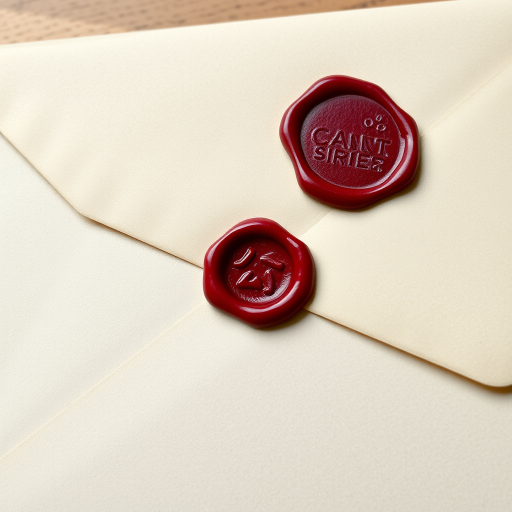
Create a high-resolution image of a classic sealed envelope with a red wax seal, using a Canon EOS R5, 50mm lens, f/2.8 aperture, ISO 100, natural soft lighting, and a slight overhead angle for depth.
create a simplistic illustration of an envelope with a plus sign beside it, using a gradient background of light blue and green, captured with a DSLR camera at f/8 aperture, 1/100 shutter speed, and ISO 100, using a wide-angle lens for a clean, modern aesthetic.
Create a hyper-realistic image of a purple envelope on a soft gradient background, captured with a 50mm lens at f/2.8, ISO 100, in natural light, using a DSLR camera for enhanced clarity and detail.
Create an image of a stylized blue envelope with motion lines indicating speed on a soft gradient background, shot with a Canon EOS R5 at f/2.8, ISO 100, 1/200s, using a wide-angle lens to enhance depth and clarity.
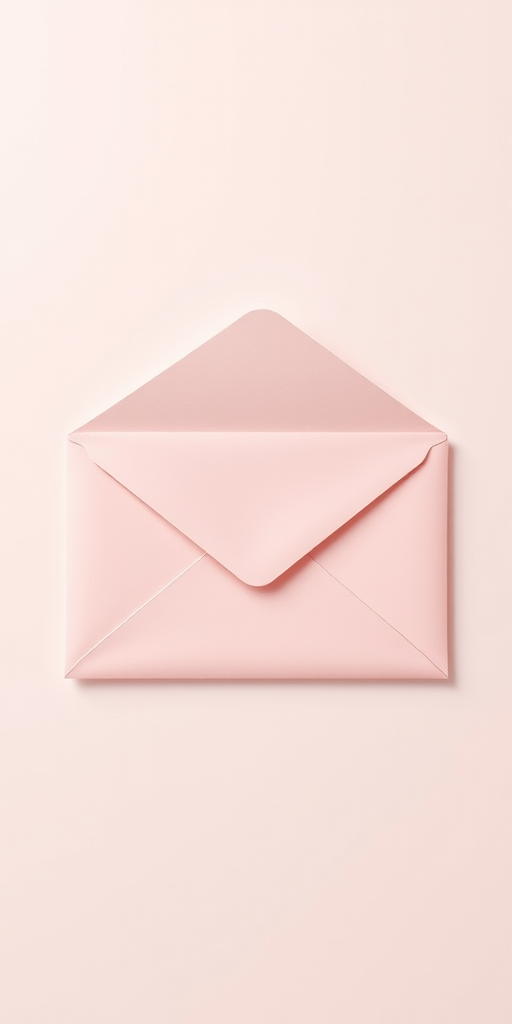
Create a high-resolution illustration of a classic envelope with a pastel color scheme, using a 50mm lens, f/2.8 aperture, ISO 100, in a flat lay perspective, with soft natural lighting to enhance the details and texture.