chalkboard with the word UPGRADE written in white chalk, arrows above the text, taken with a DSLR camera, 50mm lens, aperture f/1.8, ISO 100, with a shallow depth of field focusing on the text and arrows, soft lighting to enhance clarity and texture
Create a high-resolution circular icon with a blue left arrow in a grey circular border, using a DSLR camera with a 50mm lens, f/1.8 aperture, ISO 100, shot from a front view to enhance clarity and detail.
Generate an image of an elevator icon featuring three stick figures with up and down arrows above, focus on clean lines and modern design, use a high-resolution digital camera with a shallow depth of field, set exposure to 1/125 sec, aperture f/5.6, and ISO 100 to enhance image quality.
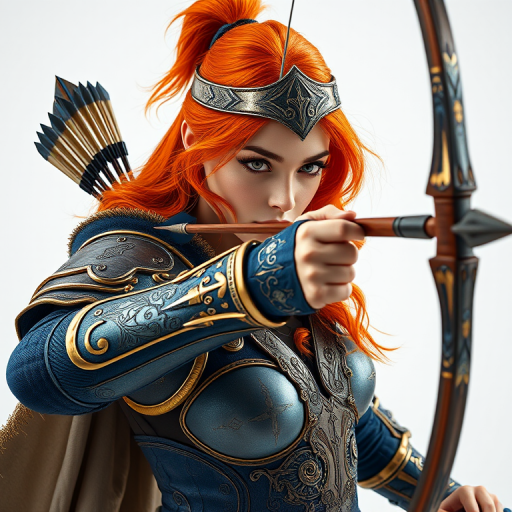
fantasy warrior woman with orange hair in ornate blue and gold armor shooting an arrow from a bow, high resolution, 50mm lens, f/1.8 aperture, ISO 100, natural light, studio setting
A vibrant blue circular road sign with a large white arrow pointing diagonally downwards to the right, captured with a DSLR camera at f/11 aperture, ISO 100, 1/250 shutter speed, with a wide-angle lens for a clear view and enhanced detail.
Create a high-resolution image of a green circular play button with a white arrow, soft lighting, ISO 100, aperture f/2.8, focal length 50mm, taken with a DSLR camera from a slightly elevated angle to enhance depth and contrast.
high-resolution image of US dollar bills with a digital overlay of stock market data and an upward trending arrow, 50mm lens, f/1.8 aperture, ISO 200, shot in macro mode, top-down view, DSLR camera
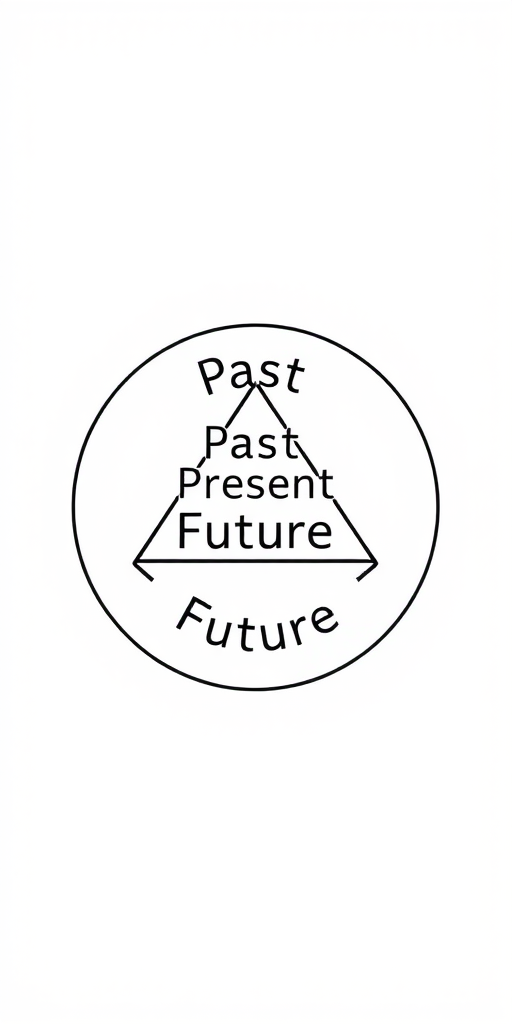
Create a high-resolution graphic of a circular flow diagram featuring the words "Past," "Present," and "Future" arranged in a triangle with arrows connecting them, using a Canon EOS 5D Mark IV with a 50mm f/1.8 lens, aperture set to f/8, ISO 100, and a clean white background for clarity.
create a glossy green download button with a white downward arrow, using a Canon EOS R5 camera, f/4 aperture, 50mm lens, ISO 100, top-down view, soft lighting, high-resolution to enhance image quality
Create a vibrant illustration of a heart pierced by an arrow, capturing detailed outlines and smooth curves, shot with a DSLR camera at f/2.8 aperture, 50mm lens, and 1/100s shutter speed, in natural light for enhanced color saturation and sharpness.
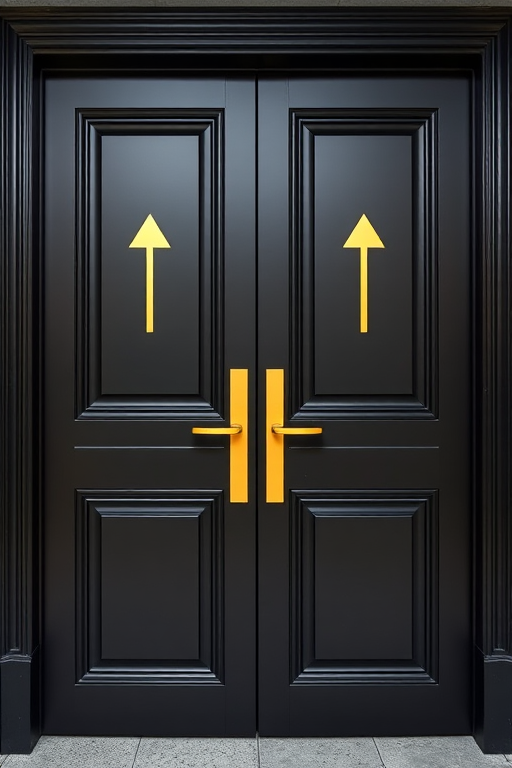
Create an image of a double door with a sleek black finish, featuring gold accents and arrows pointing upwards on each door, captured with a DSLR camera at f/8 aperture, ISO 100, using a 50mm lens, in a portrait view, with soft lighting to enhance details and texture.
Create a flat design logo depicting a database with a circular arrow around it on a blue background, using a 50mm lens, f/1.8, ISO 100, in a studio setting with soft diffused lighting.
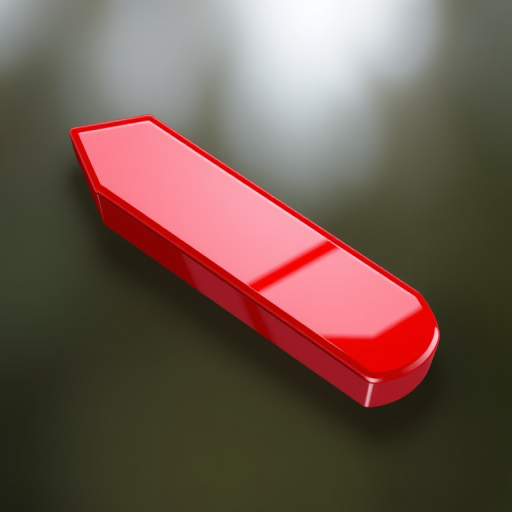
Create a glossy red left arrow icon with a smooth gradient finish, shot in high resolution with a DSLR camera at f/8 aperture, 50mm lens, natural lighting, and a soft-focus background for enhanced clarity.
Create an image of a hand drawing an arrow with a marker on a dark background, surrounded by hanging colorful light bulbs, using a DSLR camera with a 50mm lens, aperture set to f/2.8, ISO 200, and a shutter speed of 1/200s for a shallow depth of field and vibrant colors.
Create a vivid illustration of a red heart pierced by a sharp arrow, using 50mm lens, f/2.8 aperture, ISO 100, and captured from a close-up perspective in a digital DSLR style to enhance clarity and depth.
Create a high-resolution image of a cartoon hand gesture with a finger pointing upwards and arrows indicating movement in multiple directions on a light grey background, captured with a Canon EOS R5, 50mm lens, f/1.8 aperture, 1/200s shutter speed, in a studio setting with soft lighting.